Best Cheats | Click & Play with cheats 😈

ARCANE – WARDOGS CHAIR

ARCANE – WARDOGS CHAIR

Price range: $7.99 through $44.99

WARDOGS CHEATS - AIMBOT AND ESP

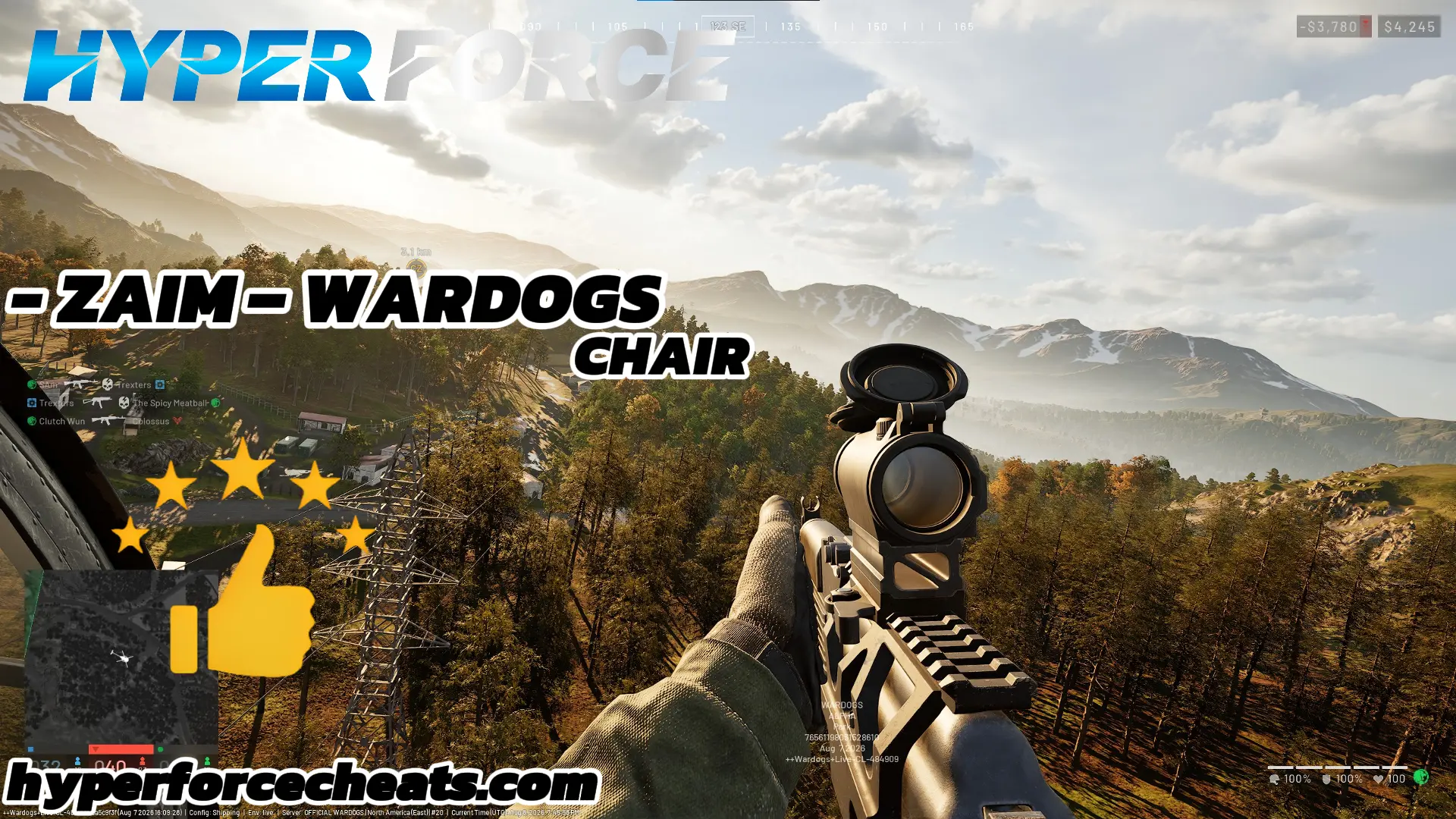
Dominate every WARDOGS match with HyperForce’s undetected WARDOGS cheats, featuring a fully customizable WARDOGS aimbot, player ESP, vehicle ESP, and no recoil. Our WARDOGS hacks are built for the game’s 100-player, three-team battles across destructible maps, giving you undetected aim assistance and total map awareness in every fight. Whether you’re pushing Control Zones or holding a sniper position, HyperForce’s WARDOGS cheats deliver pinpoint aim, full ESP visibility, and reliable no recoil so you dominate every WARDOGS match from the very first engagement.

🎯 AIM Features

  • Enable – Turns the aimbot feature on or off.

  • Prediction – Predicts target movement to improve aiming accuracy.

  • First Keybind – Assign the primary key used to activate the aimbot.

  • Second Keybind – Assign an additional activation key for more control.

  • Target – Select which targets the aimbot should focus on.

  • Find Bone Type – Choose how the aimbot detects and selects target bones.

  • Bones Selected – Select the specific body parts the aimbot can target.

  • Humanize – Makes aiming movement appear smoother and more natural.

  • Hit Chance – Adjust the chance of the aimbot successfully targeting an enemy when using pSilent or Silent Aim.

  • pSilent / Silent Aimbot – Provides alternative aiming modes designed to operate without traditional visible aim movement.

  • FOV Size – Adjust the size of the aiming field of view.

  • Super Zoom – Provides an increased zoom level for improved long-range visibility.

  • Unlimited Zoom – Allows significantly increased scope zoom beyond the standard in-game limits.

  • Smoothness – Control how quickly and smoothly the aim moves towards a target.

  • Draw FOV Circle – Displays the active field of view circle on screen.

  • Draw FOV Background – Adds a background effect to the FOV circle.

  • Draw Target Marker – Shows a visual marker on the current target.

  • Max Distance – Set the maximum distance at which targets can be selected.

  • Visibility Check – Only targets players that are currently visible.

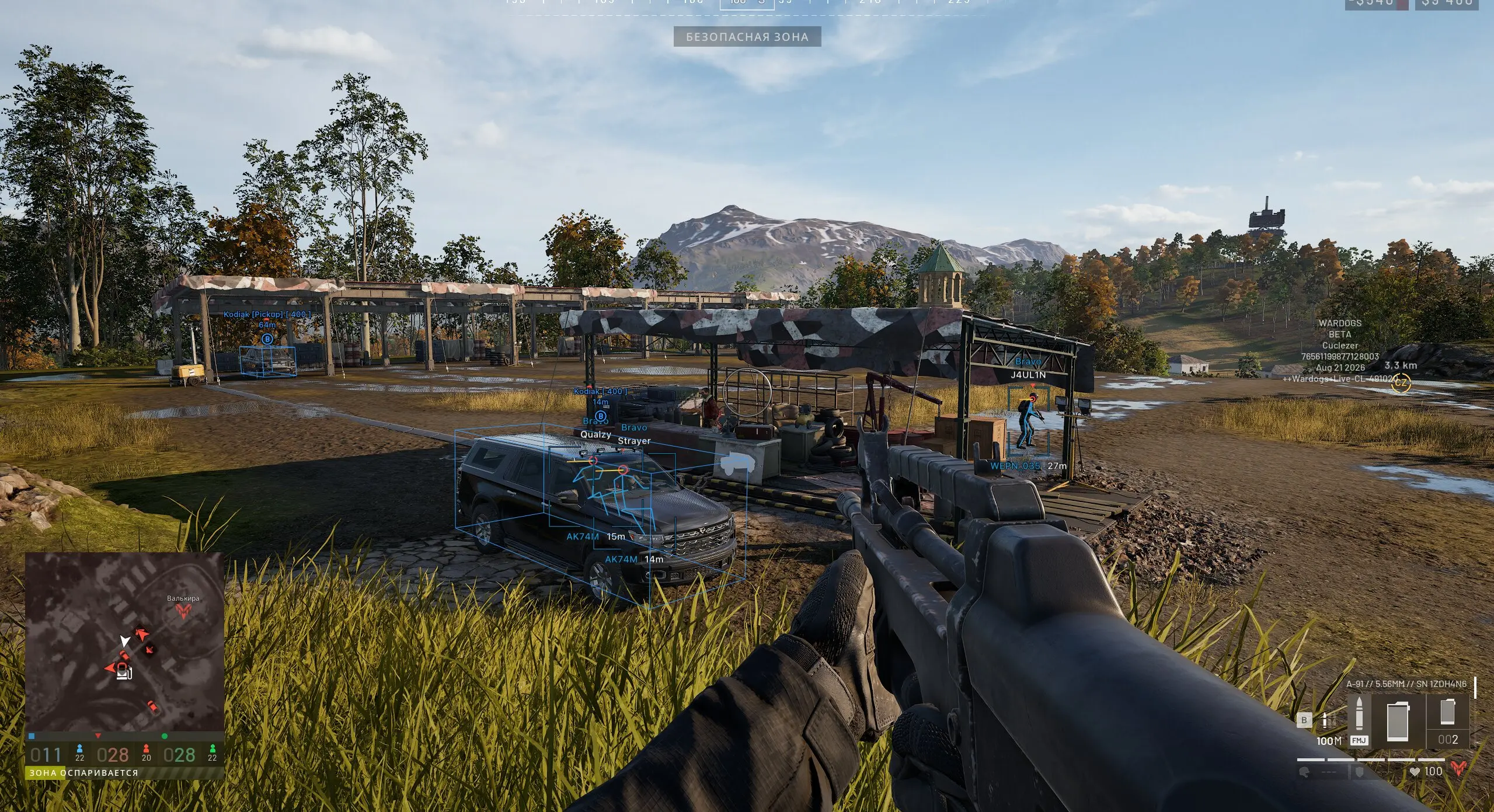
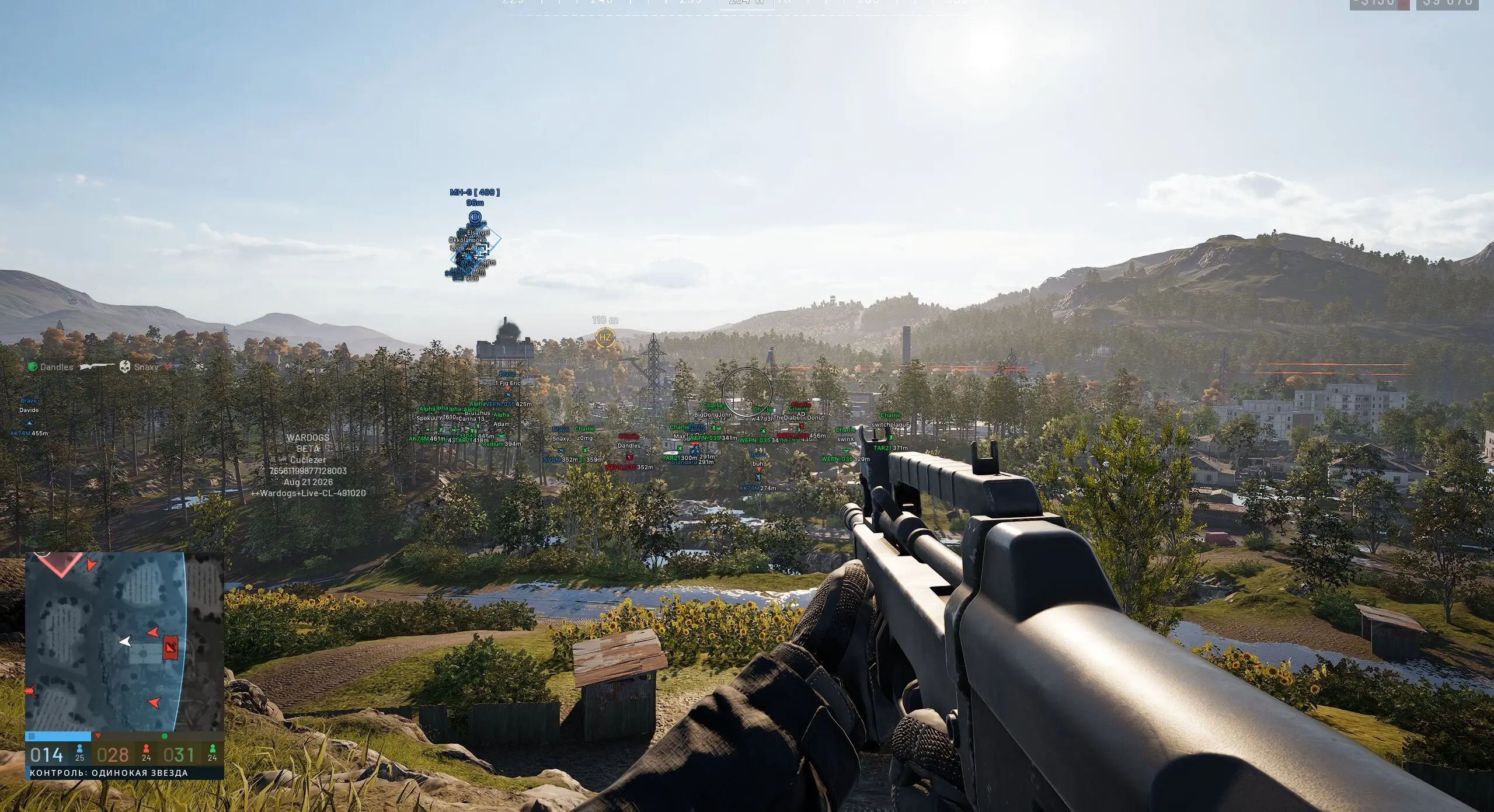
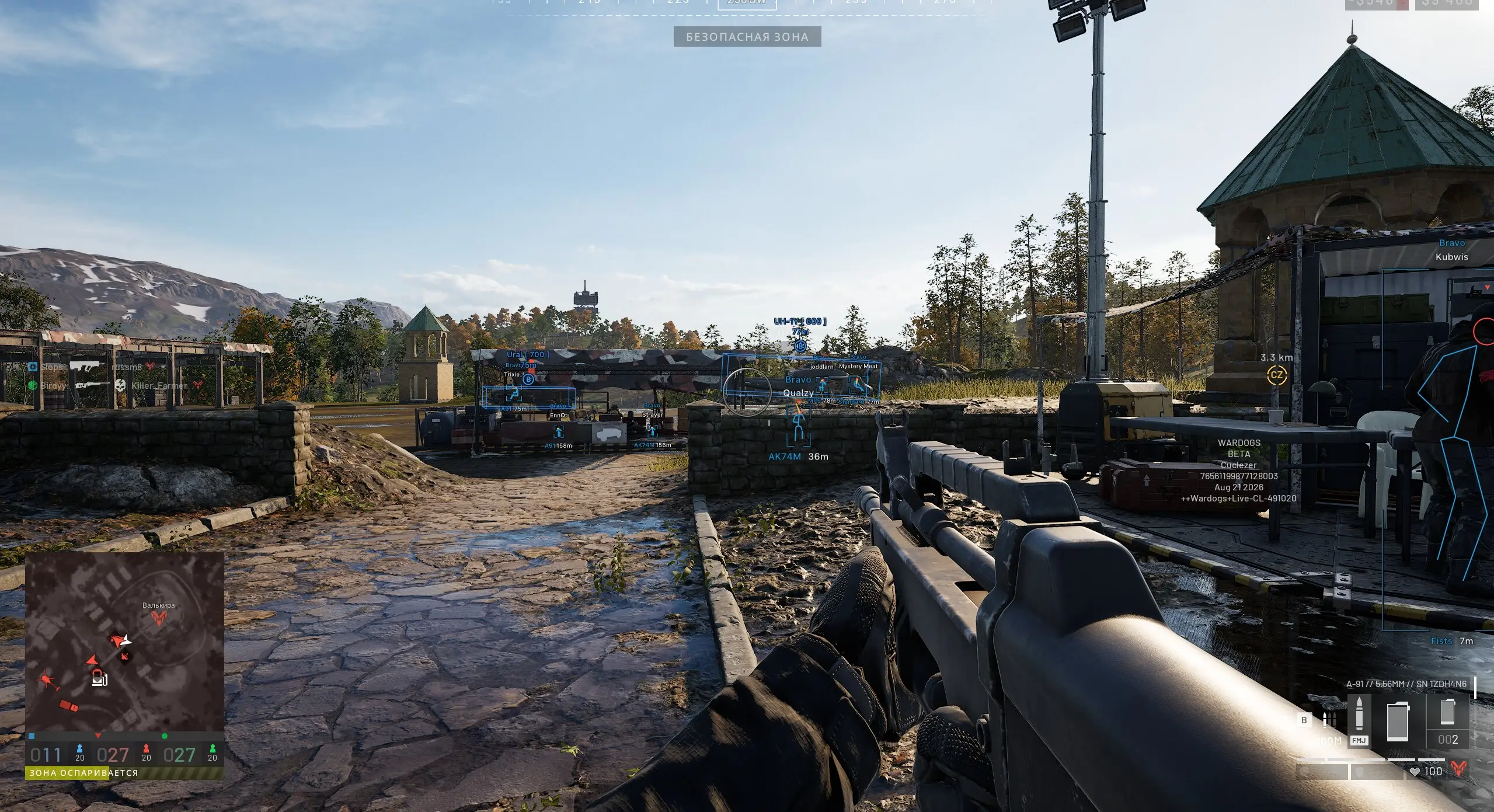
👤 PLAYERS ESP

  • Bounding Box – Draws a box around detected players.

  • Box Fill – Adds a filled background inside the player bounding box.

  • Skeleton – Displays the player’s skeleton structure.

  • View Line – Shows the direction the player is currently looking.

  • Line to Enemy – Draws a line from your position or screen towards enemies.

  • Game Nickname – Displays the player’s in-game nickname.

  • Team Name – Shows the team or squad name of the player.

  • Weapon in Hands – Displays the weapon currently being held.

  • Distance – Shows how far away the player is.

  • Team Colors – Uses different colours to identify teams more easily.

  • Visibility Check – Indicates or filters players based on their visibility.

  • Max Distance – Set the maximum distance at which player information is displayed.

🌐 WORLD ESP

  • Show Distance – Displays the distance to supported world objects.

  • Show Dropped Items – Highlights supported items dropped around the map.

  • Show Vehicles – Displays supported vehicles in the world.

🗺️ RADAR & MINIMAP

  • In-Game Radar – Displays additional enemy or player information through the in-game radar.

  • Minimap – Provides additional positional information directly through the minimap for improved awareness.

💥 MORTAR ASSISTANT

  • Mortar Fire Assistant – Assists with mortar targeting to make calculating and lining up mortar fire easier and more accurate.

⚙️ SETTINGS

  • Menu Keybind – Assign the key used to open and close the menu.

  • Unload Keybind – Assign the key used to unload the software.

  • DPI Scale – Adjust the interface scale for different screen resolutions.

  • VSync – Enable or disable vertical synchronisation.

  • Theme – Choose the visual appearance and colour style of the menu.

  • Watermark – Show or hide the software watermark.

📄 CONFIGS

  • Create – Create a new custom configuration.

  • Get Shared – Access configurations shared by other users.

  • Launch – Load and activate the selected configuration.

  • Save – Save your current settings to a configuration.

  • Edit Name – Rename an existing configuration.

  • Share – Share your configuration with other users.

  • Remove – Delete an existing configuration.

  • Language – Select your preferred menu language.

🕹️ MISC

  • No Recoil – Reduces or removes weapon recoil.

  • No Spread – Reduces or removes weapon spread.

  • No Sway – Reduces weapon movement and sway while aiming.

  • Fullbright – Increases overall map brightness for improved visibility.

COMPATIBILITY

  • Controller Support – Works with AntiMicroX and JoyToKey.

  • Processor Support – Compatible with Intel and AMD/CPUs.

  • Operating System – Support Windows 10-11 / 22h2-25H2.

  • Spoofer – Not Included. We highly recommend purchasing a separate spoofer. You can find one here: HyperForce Spoofers